Electronics Operation Overview
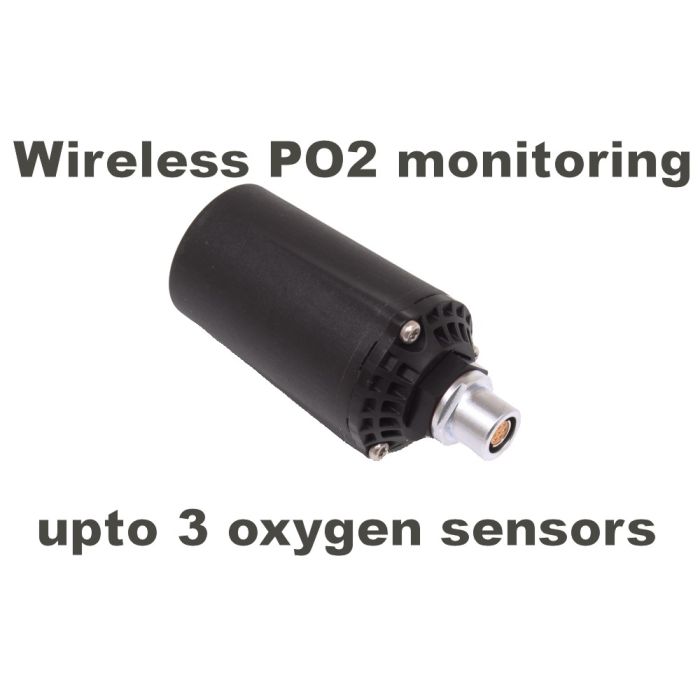
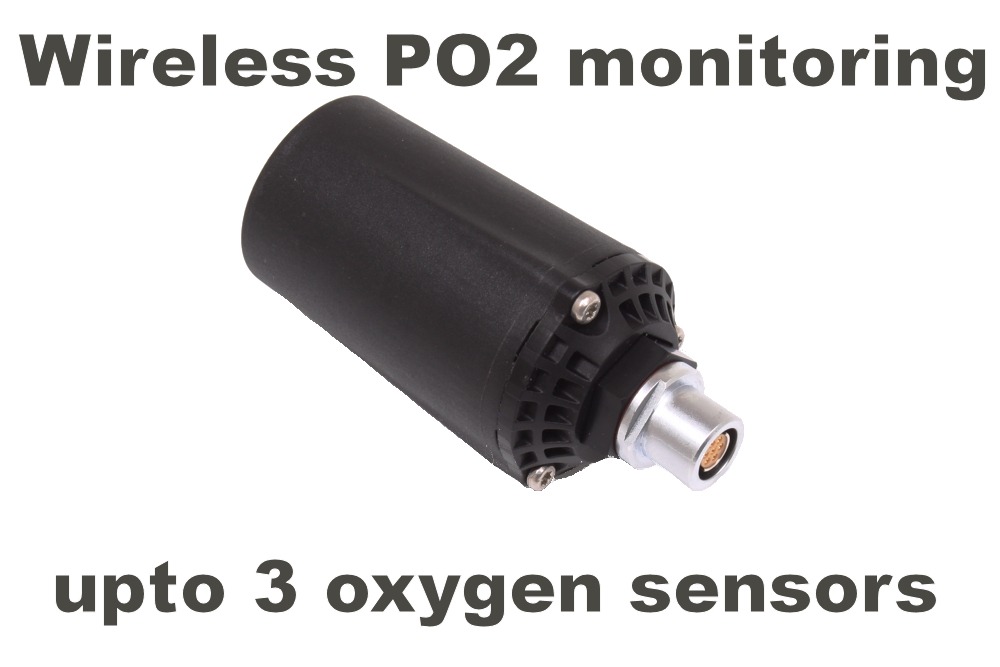
The transmitter is automatically activated when a CR123 battery is installed. Once powered, it will enter sleep mode whenever the millivolt (mV) readings from connected sensors remain stable for five minutes or longer. Any change in mV output from any sensor will immediately wake and activate the transmitter. When no further changes occur, the transmitter will return to sleep mode.
Use with Digital or Solid-State Sensors
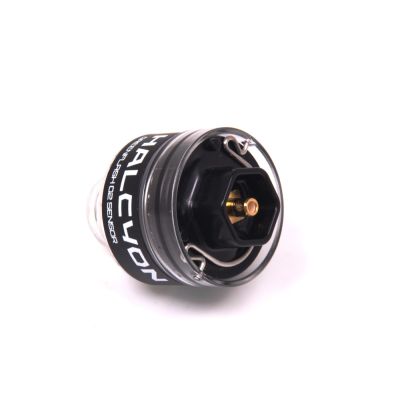
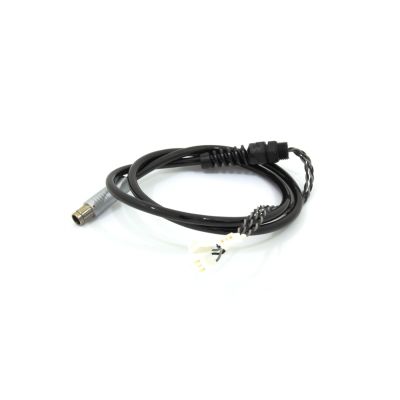
When using solid-state or digital sensors, it is recommended to disconnect the transmitter from the sensor cable and the end of your dives. These sensor types generate periodic electrical signals every 15–20 seconds, even while idle, which will repeatedly activate the transmitter unnecessarily.
Use with Galvanic Sensors
When using galvanic sensors, keep them away from bright light sources. Exposure to light—especially from luminescent sources—can cause small fluctuations in mV output (e.g., 9.5 to 9.6 to 9.4 mV), which may be enough to wake the transmitter.
Operational Behaviour in Special Conditions
In shallow depths, at the end of decompression, during relaxed breathing, or when diving with very low metabolic rates, it is possible for the transmitter to enter sleep mode. This may also occur after calibration if the DSV is closed and no loop gas movement is present.
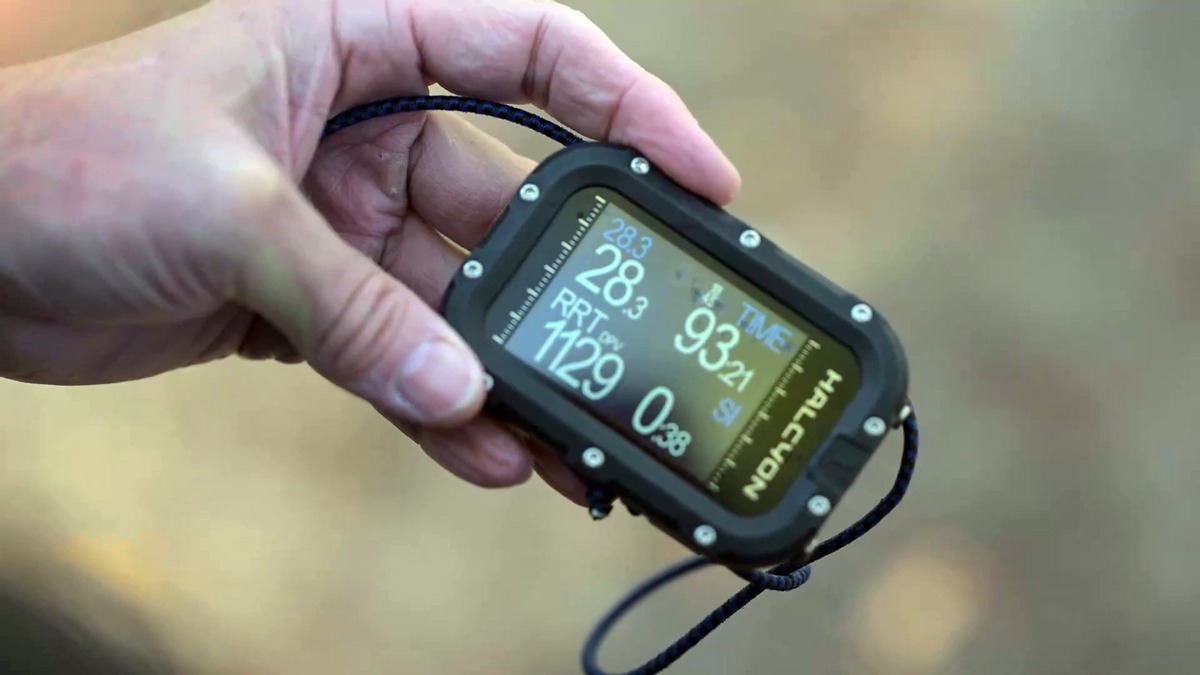
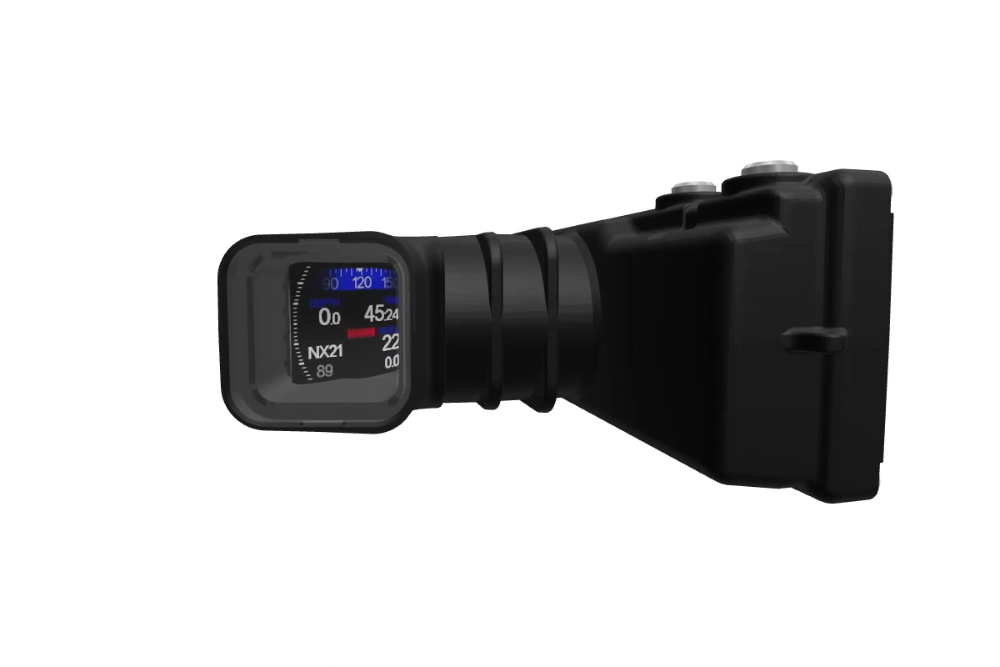
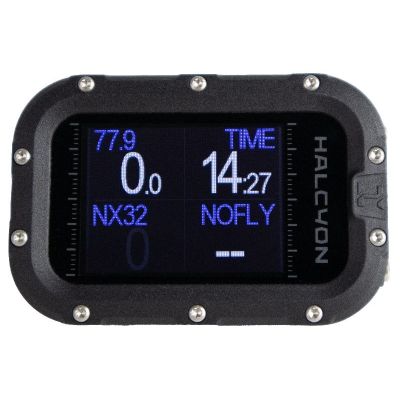
If the transmitter goes to sleep at the surface, the dive computer may display an “Error: Communication Loss” message. Underwater, if communication is lost for more than 30 seconds, the computer will also emit an audible alert.
This behaviour is normal. To reactivate the transmitter, the diver need only breathe in and out at the surface or introduce a small amount of exhaled gas into the loop underwater, followed by either diluent or oxygen addition. The transmitter will respond immediately.
Battery and Storage Recommendations
The CR123 battery typically provides approximately 150 hours of active diving time. Battery life may be significantly reduced when the transmitter is connected to sensors that produce frequent mV changes, such as digital cells.
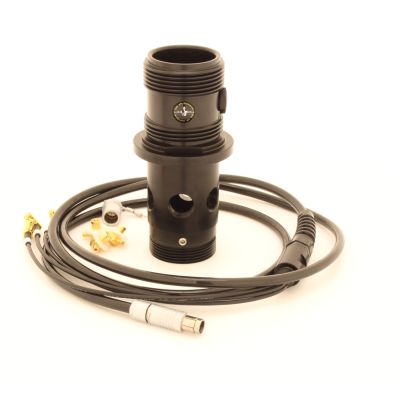
To ensure the pod enters sleep mode during periods of non-use, it is recommended to unplug the CCR pod from its cable. For extended storage, always remove the battery to prevent potential leakage and damage to the electronics.